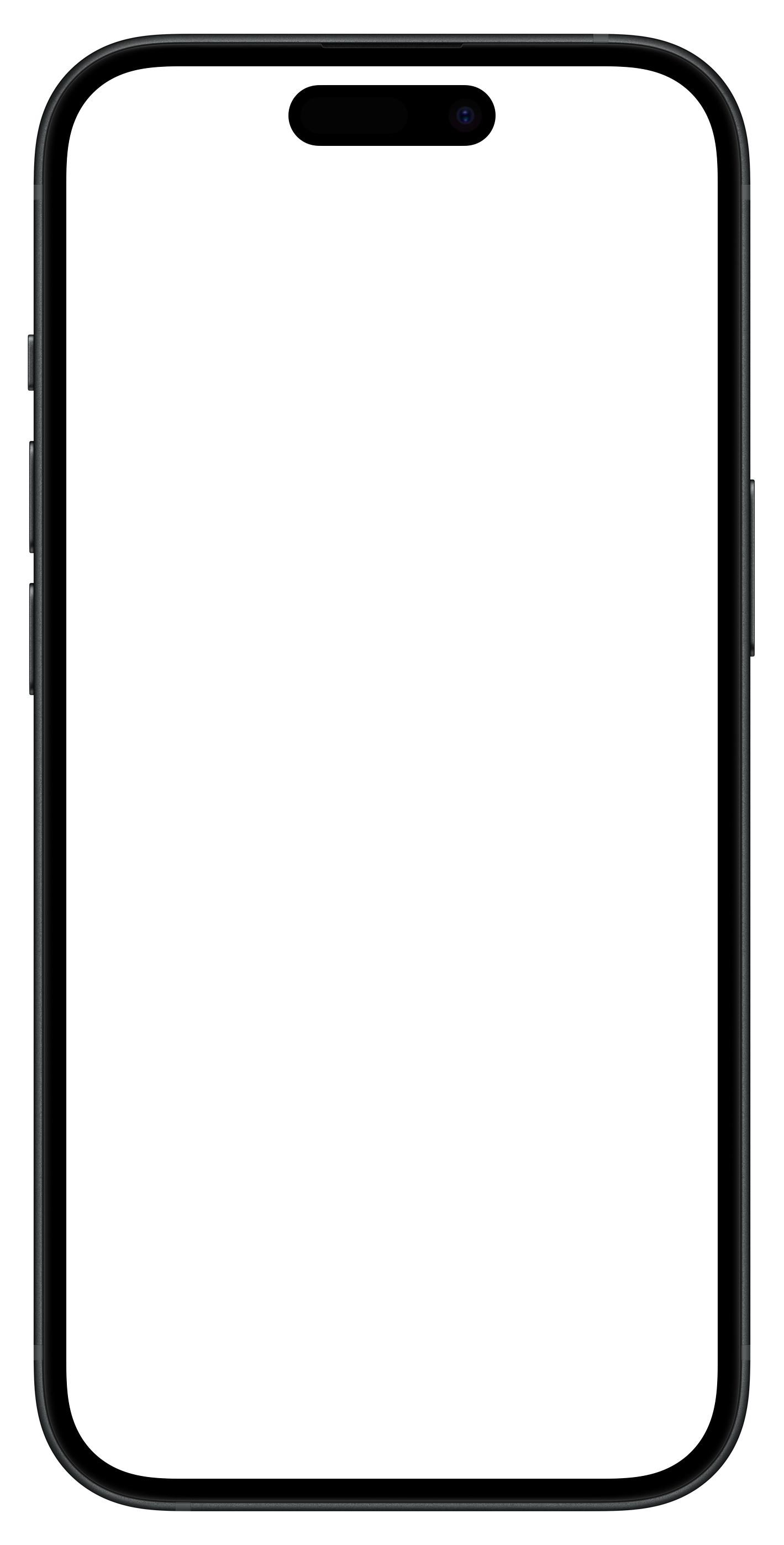
A browser for

iPhone App Screenshot
1

Browse anywhere

Just browse the web. We're watching for videos in the background—HLS streams, MP4s, you name it.

2

One tap to cast

Video detected? The button lights up. Tap it. Pick AirPlay or Chromecast. That's it.

3

You're in control

Pause, scrub, switch devices. Full playback controls, even when the site's player doesn't cooperate.

Streaming

HLS & Streaming Support

Detects .m3u8 playlists and raw video sources that other browsers miss. Works with live streams, VOD content, and protected media.

  • Live stream detection
  • Multi-quality adaptive
  • Network interception
  • Embedded player bypass
  • Background playback
iPhone App Screenshot
Smart

Auto Detection

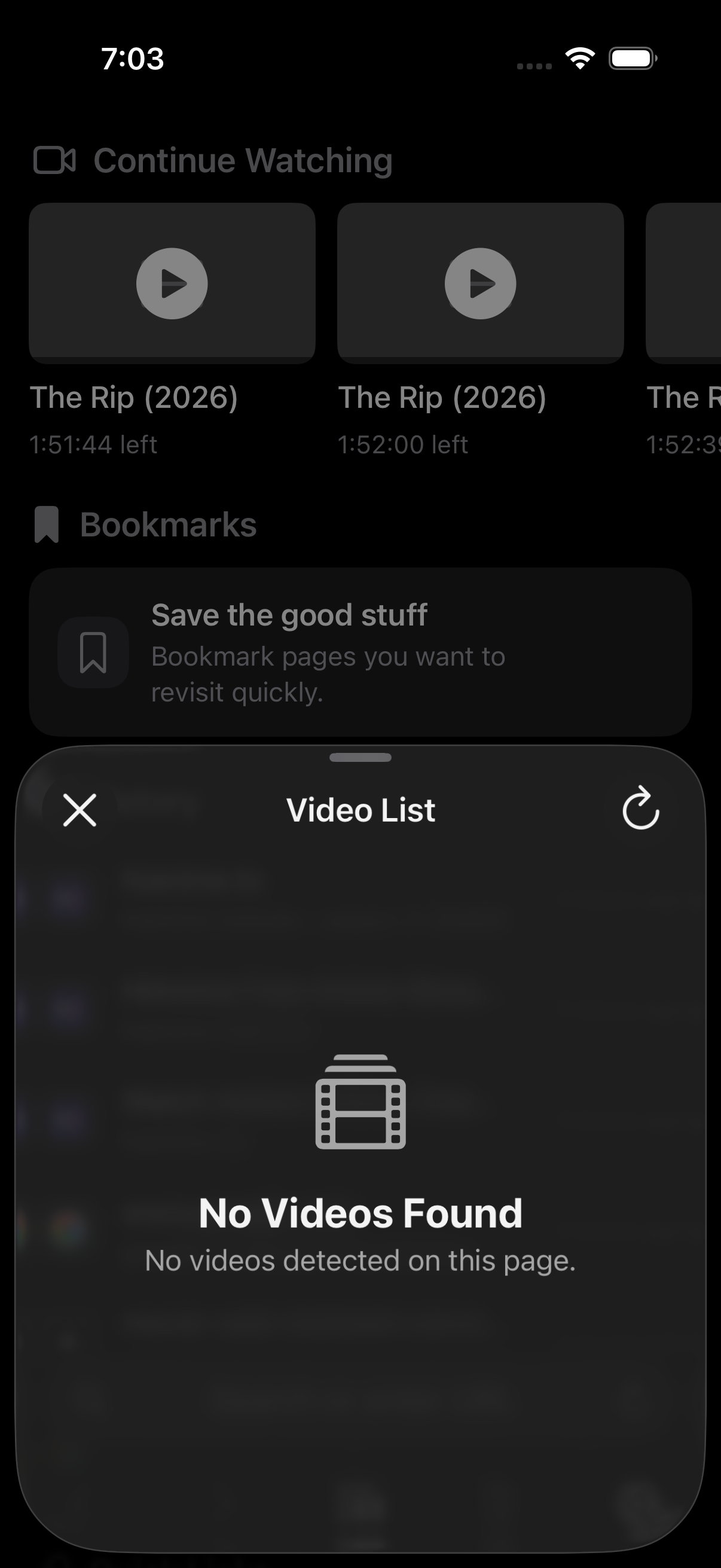
Videos found automatically.

Universal

Universal Remote

One interface for AirPlay & Chromecast.

iPhone App Screenshot
Control

Unified Playback Controls

Pause, seek, and switch devices from one panel—no matter the source.

Design

Sleek Interface

Clean, minimal design with intuitive controls. Every tap feels intentional—no clutter, just what you need.

Cast Browser

Start casting today.