Devices this covers
- Streaming devices: Chromecast with Google TV, Google TV Streamer, and other certified Google TV and Android TV boxes and sticks.
- TVs: models from Sony, TCL, Hisense, Philips, Sharp, Xiaomi, and others that run Google TV or Android TV.
Uncertified Android boxes are the exception. A box that runs plain Android without Google's TV software may not include Google Cast, and will not appear in the device list.
Steps
- Connect the iPhone and the Google TV to the same Wi-Fi network.
- Open Cast Browser and allow Local Network access when asked.
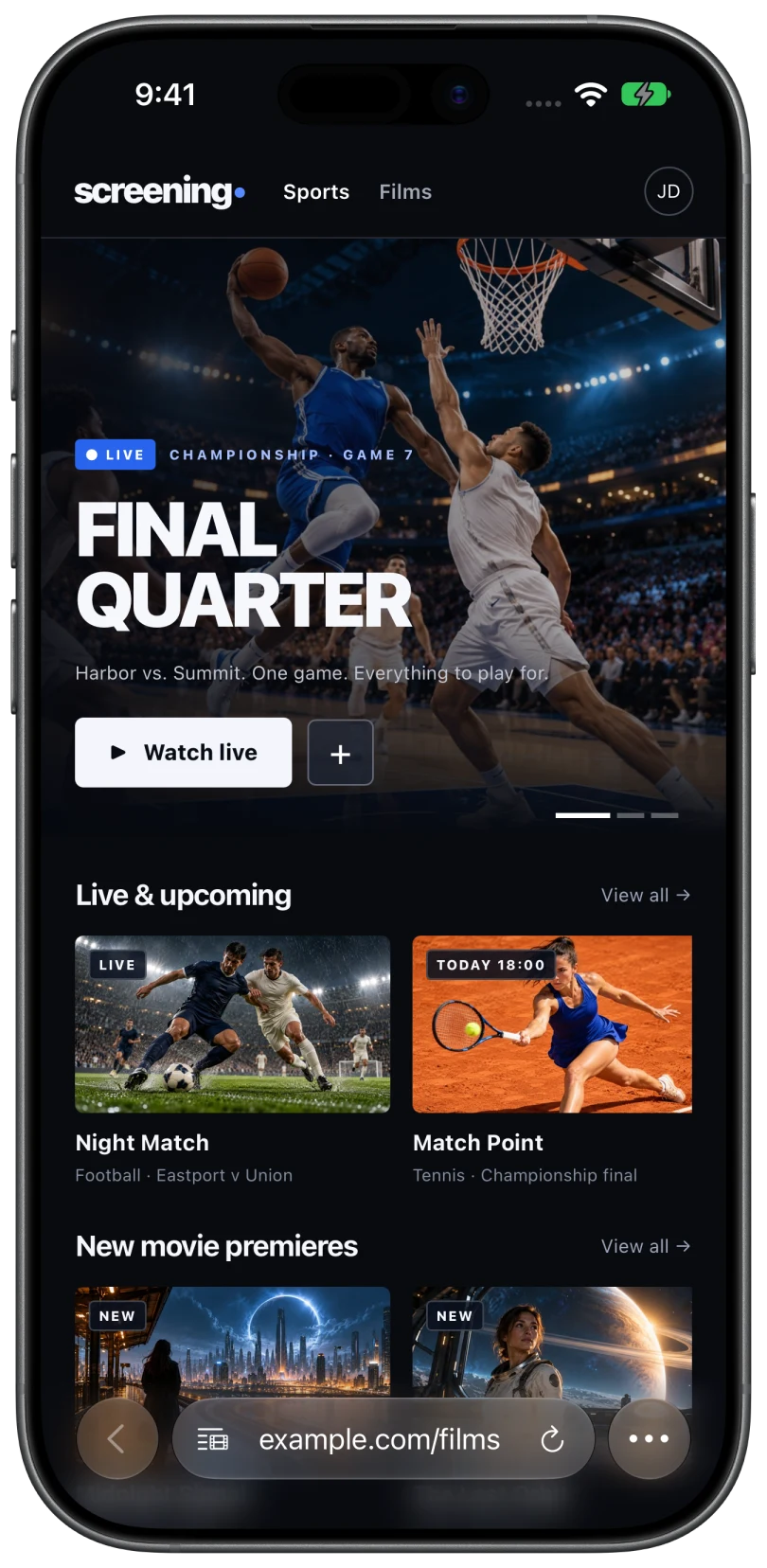
- Open the page with your video and press play in the site's player if the video has not loaded.
- Tap the Video List button in the address bar and choose the video under Detected Videos.
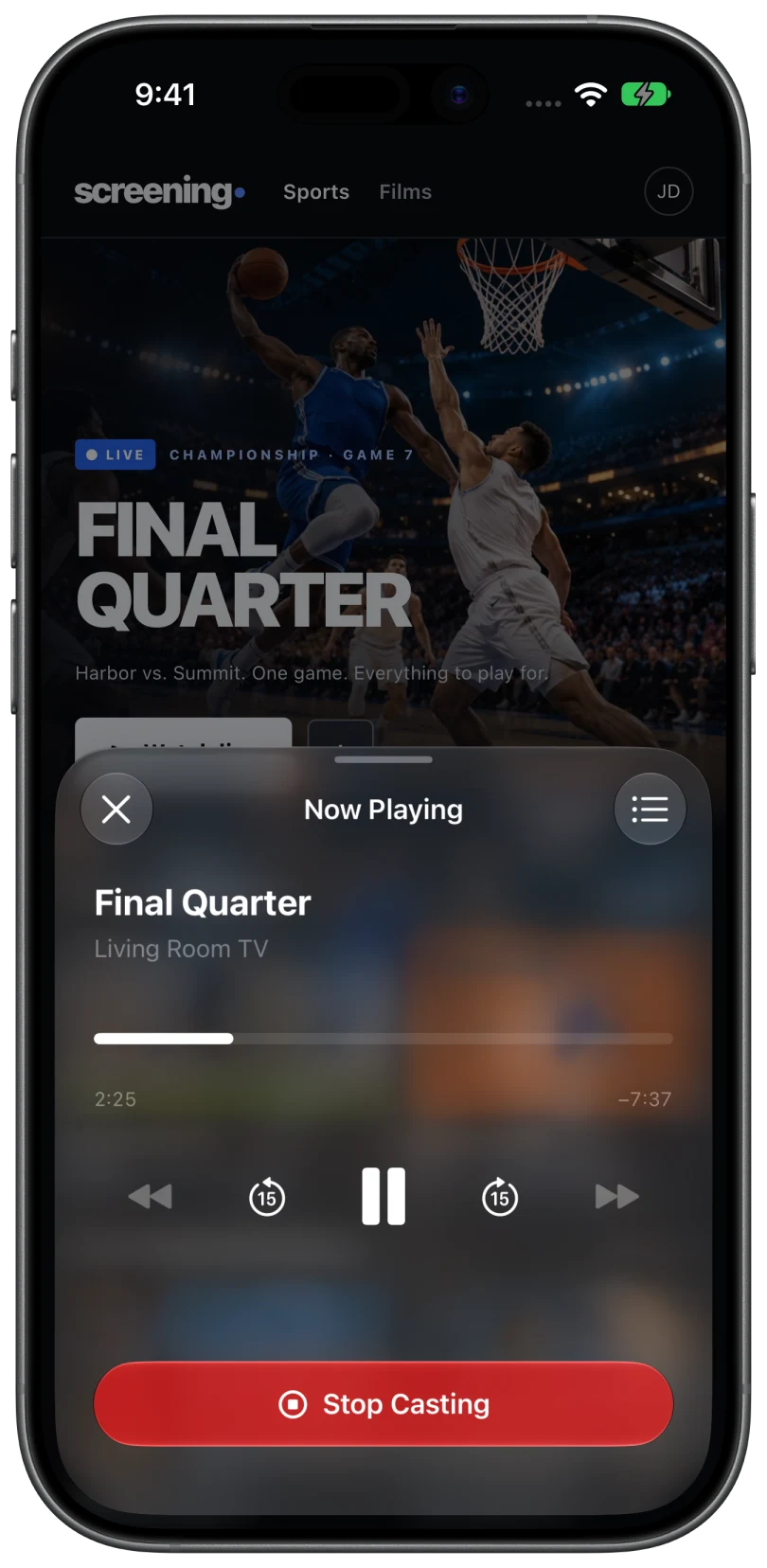
- Choose your device in the Chromecast section. It is listed under the name set in the TV's settings, such as Living Room TV.
- The TV switches to the video. Whatever app was open on the TV steps aside for the cast.
What you get with Google Cast
- A queue. Add more videos while one plays, reorder them, or send one to Play Next.
- Captions, audio tracks, and playback speed, when the video and the device support them.
- Volume control from the phone.
- Playback that continues on its own. The TV streams the video directly in most cases, so the phone can be locked.
If the Google TV does not appear
- Check the Google Cast system app. On the TV, open Settings, then Apps, then See all apps, and show system apps. The app is named Chromecast built-in or Google Cast Receiver. Make sure it is enabled.
- Update it. The same app updates through the Play Store on the TV. An outdated version can stop the TV from announcing itself.
- Restart the TV. Use Settings, then System, then Restart. Turning the screen off with the remote is not a restart.
- Tap Search Again in Cast Browser.
If it still does not appear, the network is the usual cause. TV not showing up has the full list.
Changing the name shown in the list
If you have several Google TV devices, give each a clear name. On the TV, open Settings, then System, then About, then Device name. The new name appears in Cast Browser the next time it searches.
Common questions
Is Google TV the same as Chromecast?
For casting, yes. Google TV devices include the same Google Cast receiver that a Chromecast has, so Cast Browser treats them the same way.
Do I need the Google Home app?
Not for casting with Cast Browser. The Google TV only needs to be set up and on the same Wi-Fi network.
Why does my Android TV box not show up?
Uncertified Android boxes often lack Google Cast. If the box has no Chromecast built-in or Google Cast Receiver system app, it cannot receive casts.
Related
- Cast web videos from an iPhone to a ChromecastOpen the page, pick the detected video, choose your Chromecast. Works with Google TV and Android TV too.
- Cast web videos from an iPhone to a Sony TVBravia TVs with Google TV have Google Cast built in, so you get the queue and captions too.
- TV or Chromecast not showing upThe device list says "No Chromecast devices found" or "No DLNA devices found".