Which devices this covers
Anything that supports Google Cast shows up in the Chromecast section of Cast Browser:
- Chromecast dongles, including Chromecast with Google TV.
- Google TV and Android TV streaming boxes that support Google Cast.
- TVs with Google Cast built in, which includes most TVs that run Google TV or Android TV.
The receiver needs no extra app. Cast Browser plays the video in the standard Google Cast media player that is already on the device.
Steps
- Put the iPhone and the Chromecast on the same Wi-Fi network.
- Open Cast Browser and tap Allow Local Network when it asks. iOS requires this permission before any app can discover devices on your network.
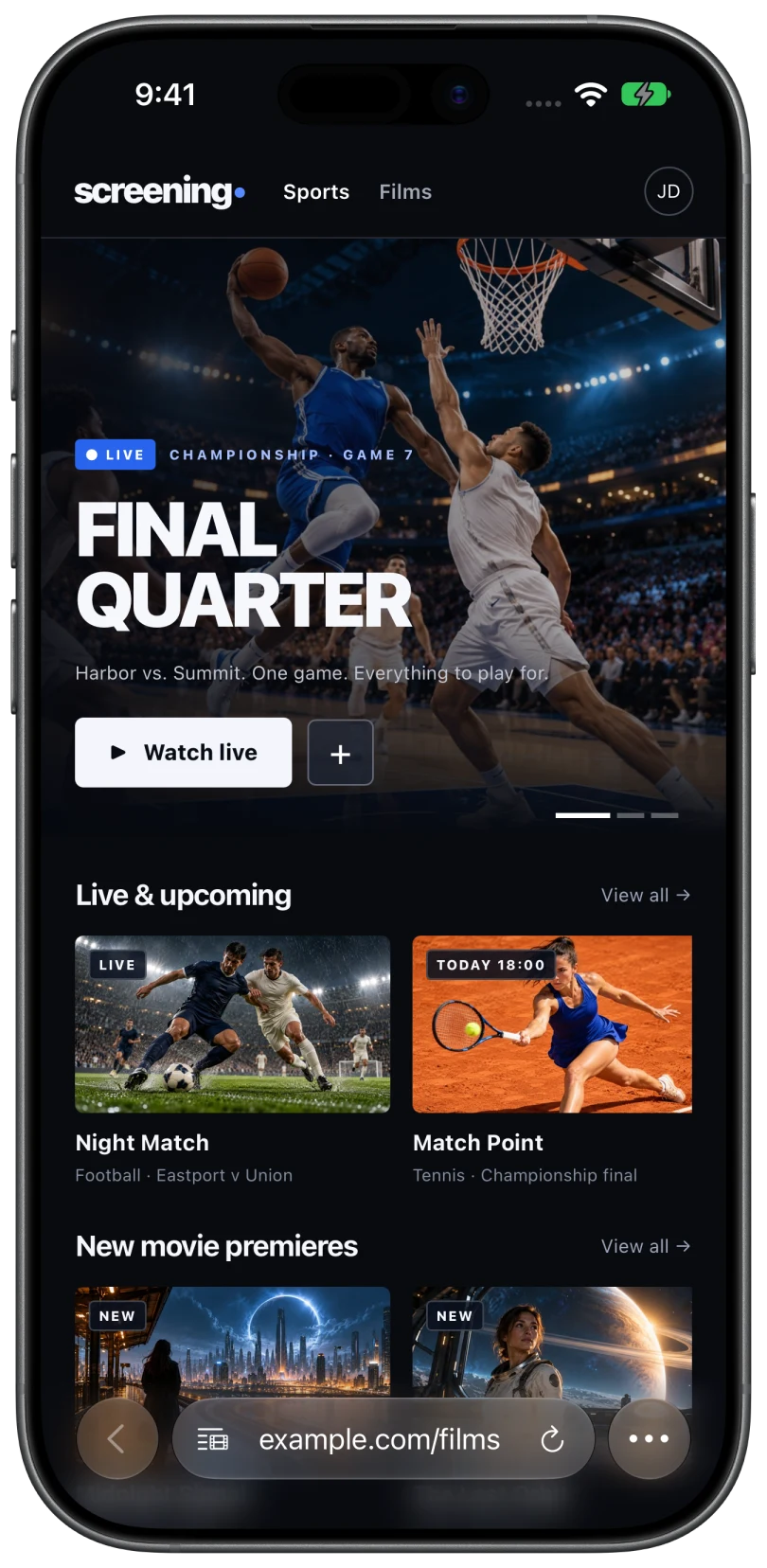
- Browse to the video. Use the address bar at the bottom to search or enter a URL. Some sites only reveal the video after you press play.
- Tap the Video List button. It sits at the left of the address bar and shows a red dot when videos are found. Live streams are listed in their own section.
- Select the video, then your Chromecast. The Choose Device sheet shows "Connecting", then "Loading video", and the picture appears on the TV.
- Use the phone as the remote. The Now Casting bar opens Now Playing, where you can pause, skip 15 seconds either way, scrub, and change the volume.
Queue, captions, and the Lock Screen
Chromecast sessions support everything Cast Browser offers:
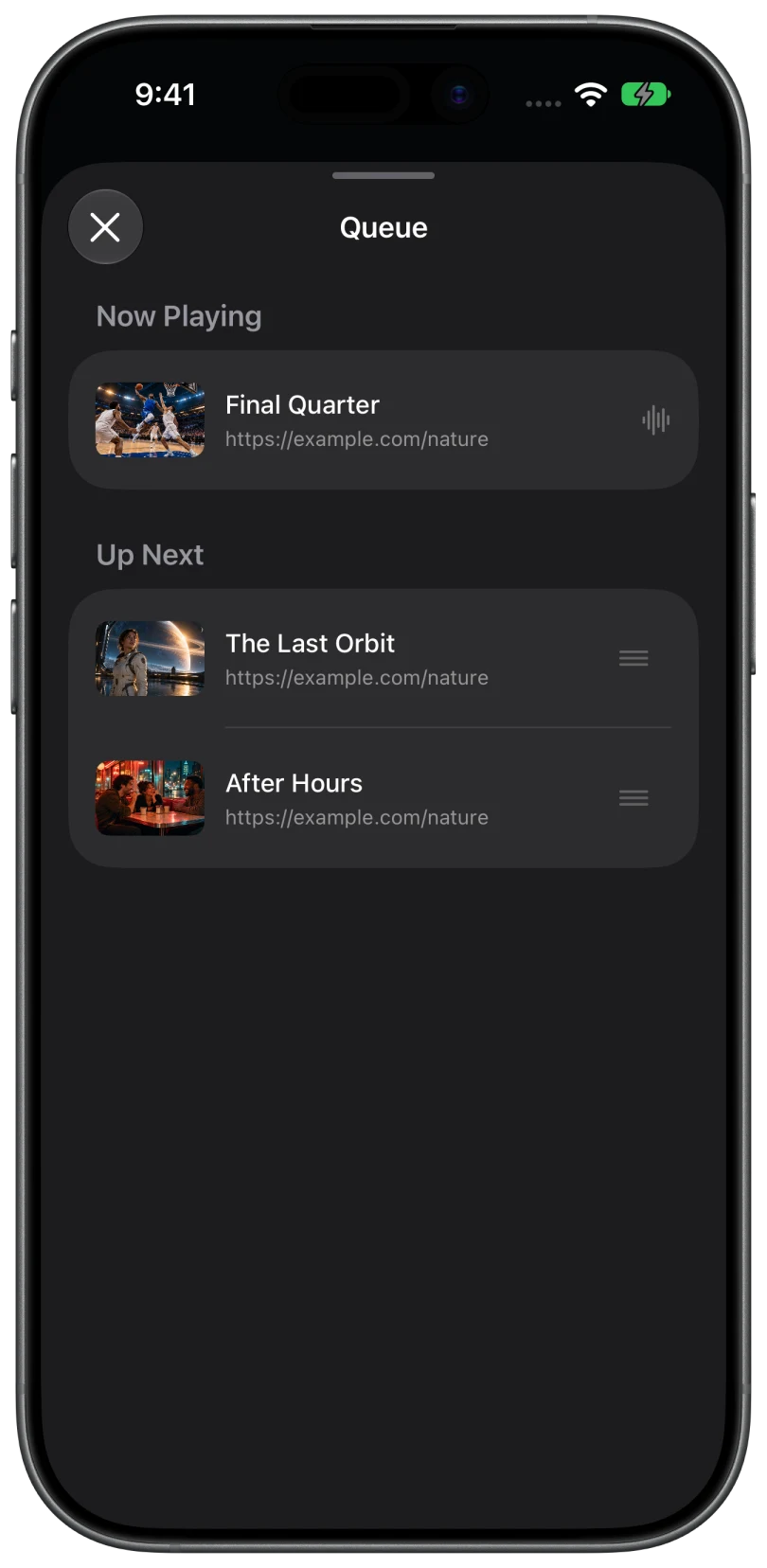
- Queue. Pick a second video while the first plays and choose Add to Queue. In the queue you can reorder videos, remove them, or send one to Play Next.
- Captions and audio. If the video includes caption tracks or alternate audio, you can switch them from the playback controls.
- Lock Screen and Dynamic Island. Playback controls stay within reach while the phone is locked.
The Chromecast streams the video itself, so the phone does not have to stay awake. You can lock it or leave the app and the video keeps going.
Formats that work best
MP4 and HLS are the formats to try first, and Chromecast devices also accept several others. What actually plays depends on the receiver model and on the website. A video that plays on the phone will not always play on the TV, and DRM-protected video cannot be cast at all. If playback fails, see video will not play on the TV.
Common questions
Why is there no Cast button in Safari on iPhone?
Safari supports AirPlay, not Google Cast, so it has no way to talk to a Chromecast. You need an app that includes Google Cast. More on Safari and Chromecast.
Is Cast Browser free?
Yes. It is free on the App Store with no ads, subscriptions, or in-app purchases.
Does it mirror my iPhone screen to the Chromecast?
No. It sends the video stream, not the screen. That gives better picture quality and lets you keep using the phone. Mirroring and casting compared.
My Chromecast is not listed. How do I fix that?
Confirm both devices share a Wi-Fi network, check that Local Network access is on for Cast Browser, turn off any VPN, and tap Search Again. Full checklist.
Related
- Safari will not cast to Chromecast: why, and what to use insteadSafari only speaks AirPlay, and a Chromecast only speaks Google Cast. How to bridge the two.
- Cast web videos from an iPhone to a Sony TVBravia TVs with Google TV have Google Cast built in, so you get the queue and captions too.
- No videos detected on a pageThe Video List says "No Videos Found", or the button never shows its red dot.