The short comparison
Both apps do the same basic job: you browse to a page in the app, it finds the video, and it sends that video to your TV. They differ in which receivers they support and in how they are paid for. The iWebTV column below comes from its App Store listing as of November 2026. Check the listing for current details.
| Cast Browser | iWebTV | |
|---|---|---|
| Chromecast and Google Cast | Yes | Yes |
| Other smart TVs over DLNA | Yes | See its App Store listing |
| Roku | No | Yes |
| Fire TV | Only with a DLNA receiver app on the Fire TV | Yes |
| Apple TV | No | Yes, 4th generation and later |
| Samsung TVs | Yes, over DLNA | Yes, 2018 and later models |
| Price | Free. No ads, subscriptions, or in-app purchases | Free with in-app purchases. A separate paid PRO app is also sold |
| Requires | iOS 18 or later | See its App Store listing |
When Cast Browser is the better choice
- You want everything included for free. There is nothing to unlock. The queue, captions, live stream support, and Lock Screen controls are all part of the free app.
- Your receiver is a Chromecast or a Google TV. Cast Browser uses the Google Cast player already on the device, so there is no TV app to install.
- Your smart TV supports DLNA. Samsung, LG, and Sony TVs can receive video directly, with no streaming stick.
When to stay with iWebTV
- You cast to Roku, Fire TV, or Apple TV. Cast Browser does not support Roku or Apple TV, and reaches a Fire TV only through a separate DLNA receiver app.
- Your iPhone or iPad cannot run iOS 18. Cast Browser requires iOS 18 or later.
How casting works in Cast Browser
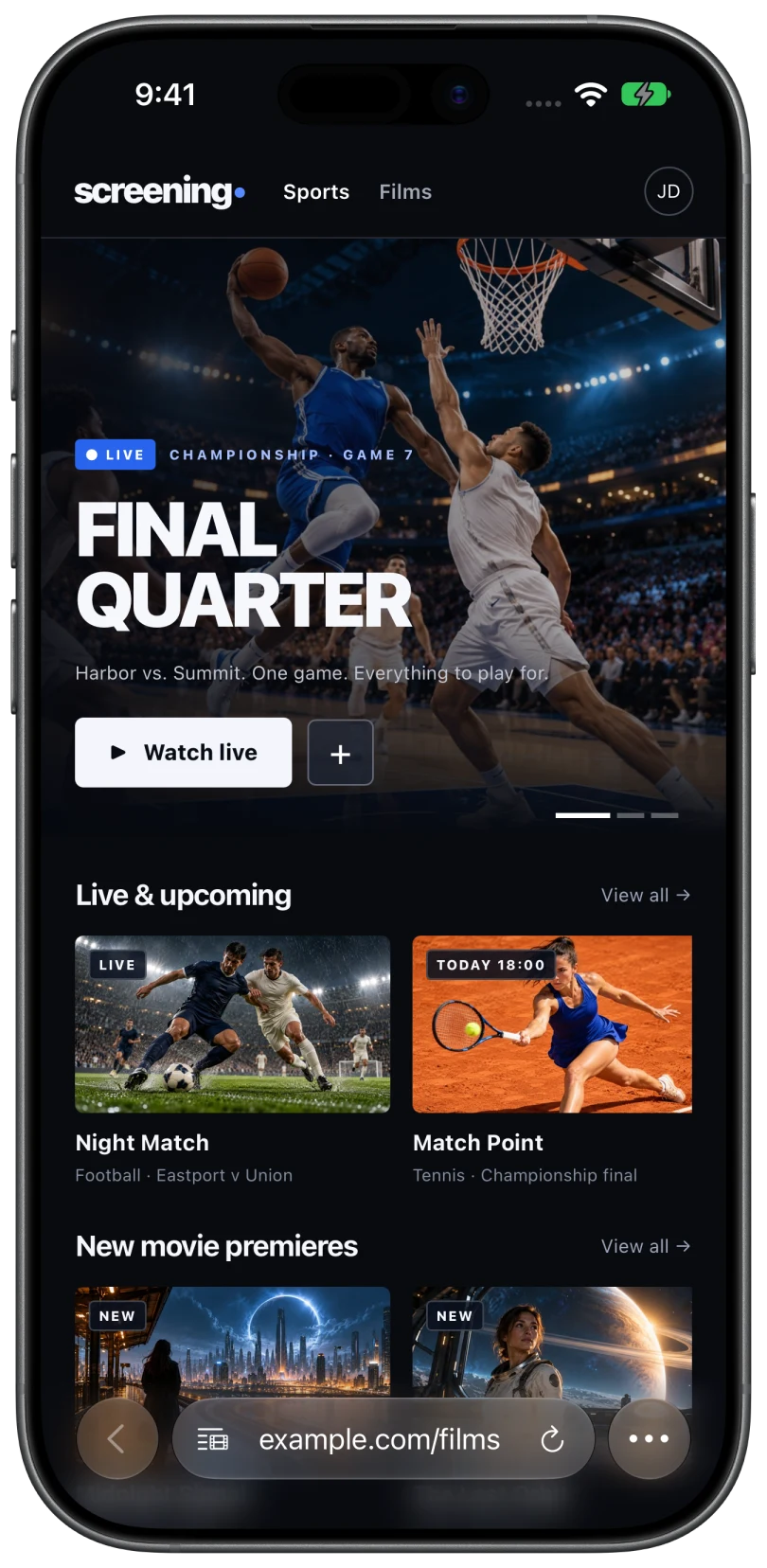
- Open a page with a video in the built-in browser and press play if the site needs it.
- Tap the Video List button in the address bar. Detected videos and live streams are listed there.
- Choose the video, then the TV. Receivers on your Wi-Fi appear under Chromecast or DLNA / UPnP.
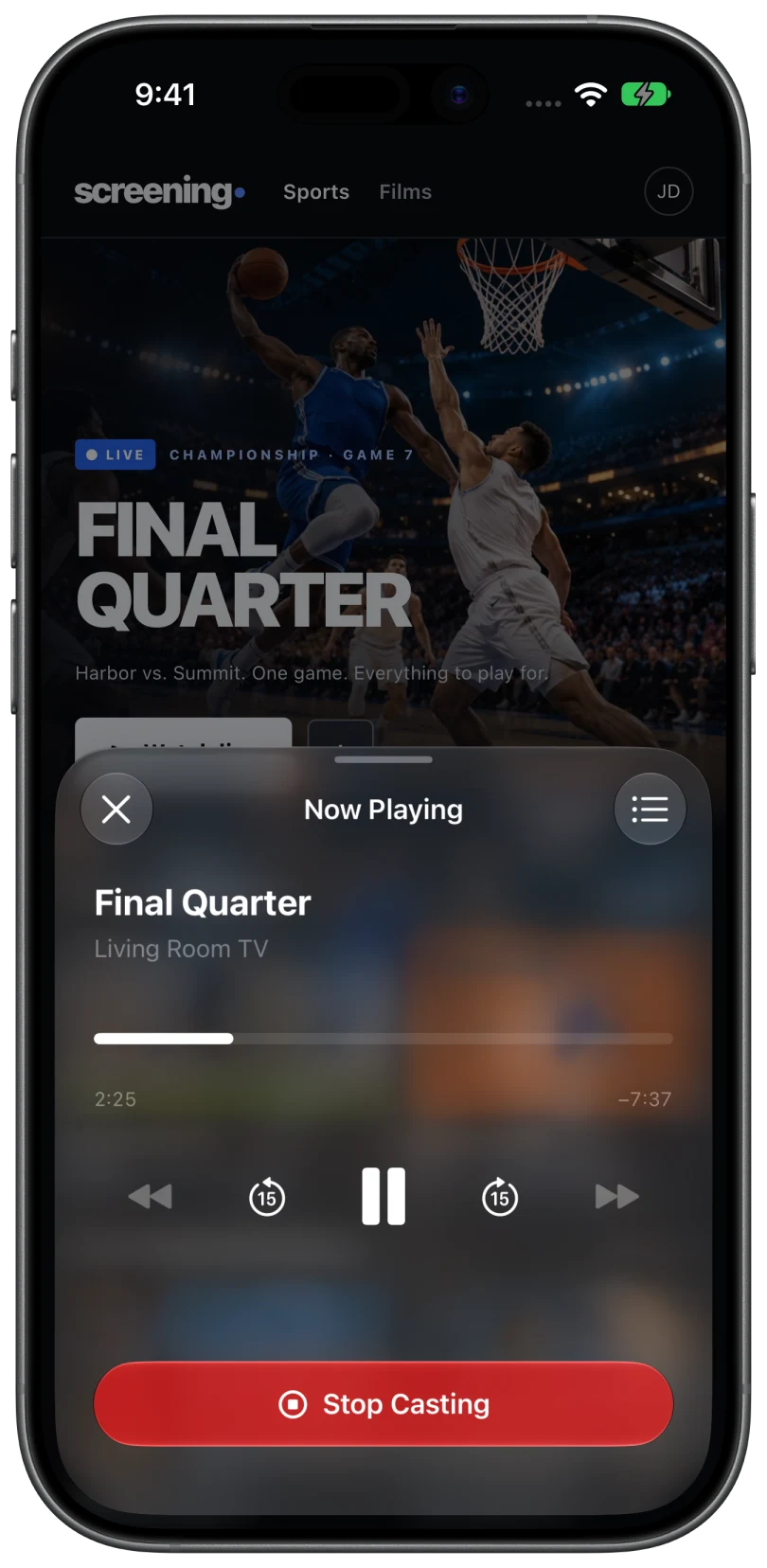
- Control playback from the phone with play, pause, 15 second skips, the timeline, and volume.
Limits to know about
Cast Browser does not cast DRM-protected video from paid streaming services, mirror the screen, or send photos and files stored on the phone. Whether a given video plays also depends on the website, the video format, and the receiver. MP4 and HLS are the most reliable.
Common questions
Is Cast Browser really free?
Yes. It is free on the App Store and has no ads, subscriptions, or in-app purchases.
Does Cast Browser work with Roku like iWebTV does?
No. Cast Browser supports Google Cast and DLNA receivers. Roku is neither. Options for Roku.
Is Cast Browser made by the same company as iWebTV?
No. Cast Browser is an independent app and is not affiliated with iWebTV or its developer.
Related
- Web Video Caster for iPhone, and a free alternativeIt is on the App Store as Web Video Cast. How it compares with Cast Browser on receivers and price.
- Cast web videos from an iPhone to a ChromecastOpen the page, pick the detected video, choose your Chromecast. Works with Google TV and Android TV too.
- Cast web videos from an iPhone to a Samsung TV without an Apple TVNo Apple TV needed. Send the video over DLNA, or use the TV's built-in AirPlay.