Finding Web Video Caster on iPhone
Search the App Store for "Web Video Cast". The app is published by InstantBits Inc, the same developer as the Android app, under the name Web Video Cast | Browser to TV. Several apps from other developers use similar names, so check the developer name before you install.
How the two apps compare
The Web Video Cast column below comes from its App Store listing as of November 2026. Check the listing for current details.
| Cast Browser | Web Video Cast | |
|---|---|---|
| Chromecast and Google Cast | Yes | Yes |
| DLNA receivers | Yes | Yes |
| Roku | No | Yes |
| Fire TV | Only with a DLNA receiver app on the Fire TV | Yes |
| Apple TV | No | Yes, Apple TV 4 and later |
| Price | Free. No ads, subscriptions, or in-app purchases | Free with in-app purchases |
| Platforms | iPhone and iPad | iPhone, iPad, and Android |
Which one to pick
Pick Web Video Cast if you need Roku, Fire TV, or Apple TV, or if you want the same app on Android and iPhone. It supports more kinds of receiver than Cast Browser does.
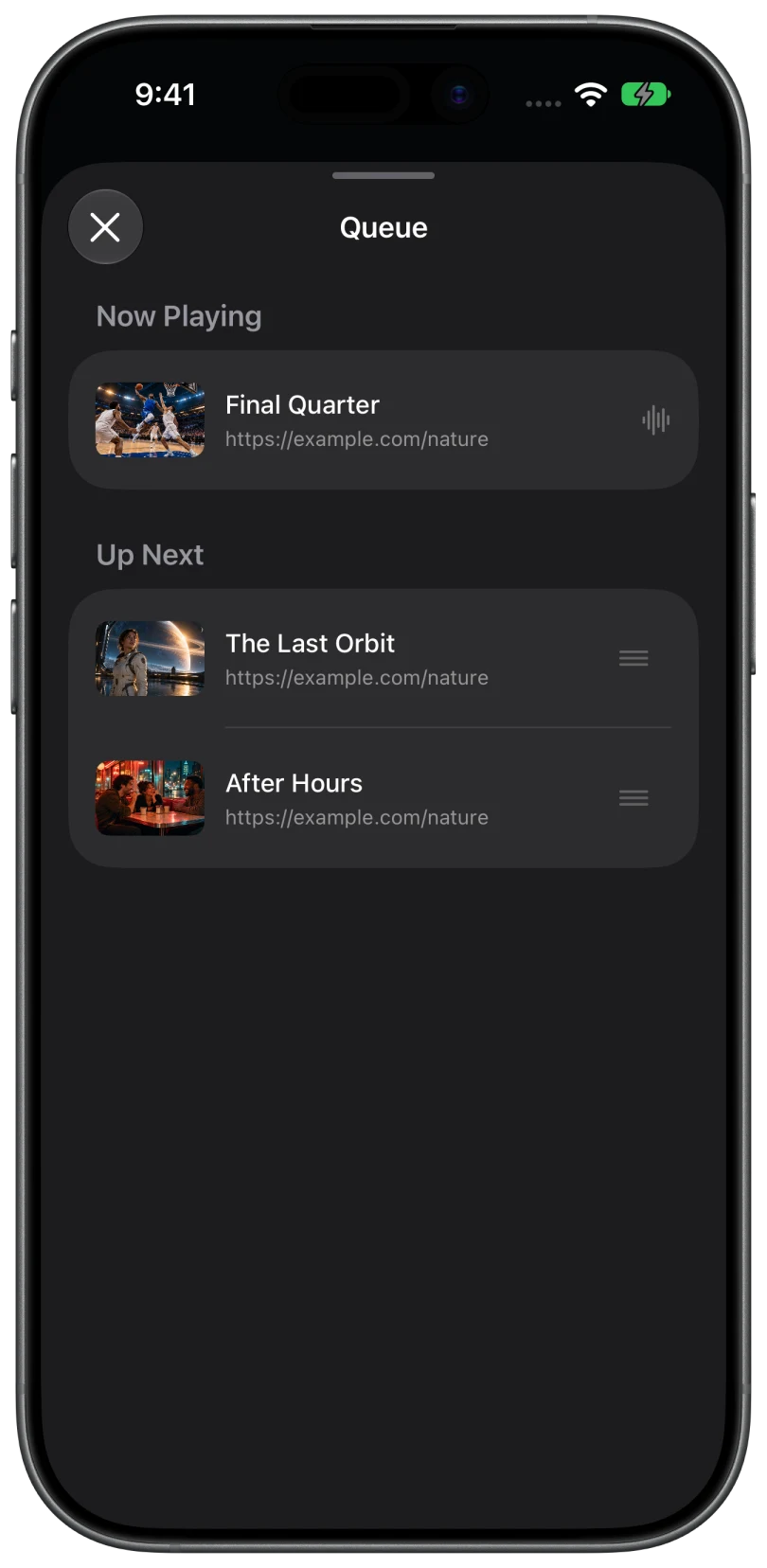
Pick Cast Browser if your receiver is a Chromecast, a Google TV, or a DLNA smart TV and you want a free app with nothing to unlock. Cast Browser includes a playback queue for Chromecast sessions, caption and audio track selection, live stream detection, and Lock Screen controls.
Casting a web video with Cast Browser
- Connect the iPhone and the TV to the same Wi-Fi and allow Local Network access when Cast Browser asks.
- Open the page with the video and press play in the site's player if needed.
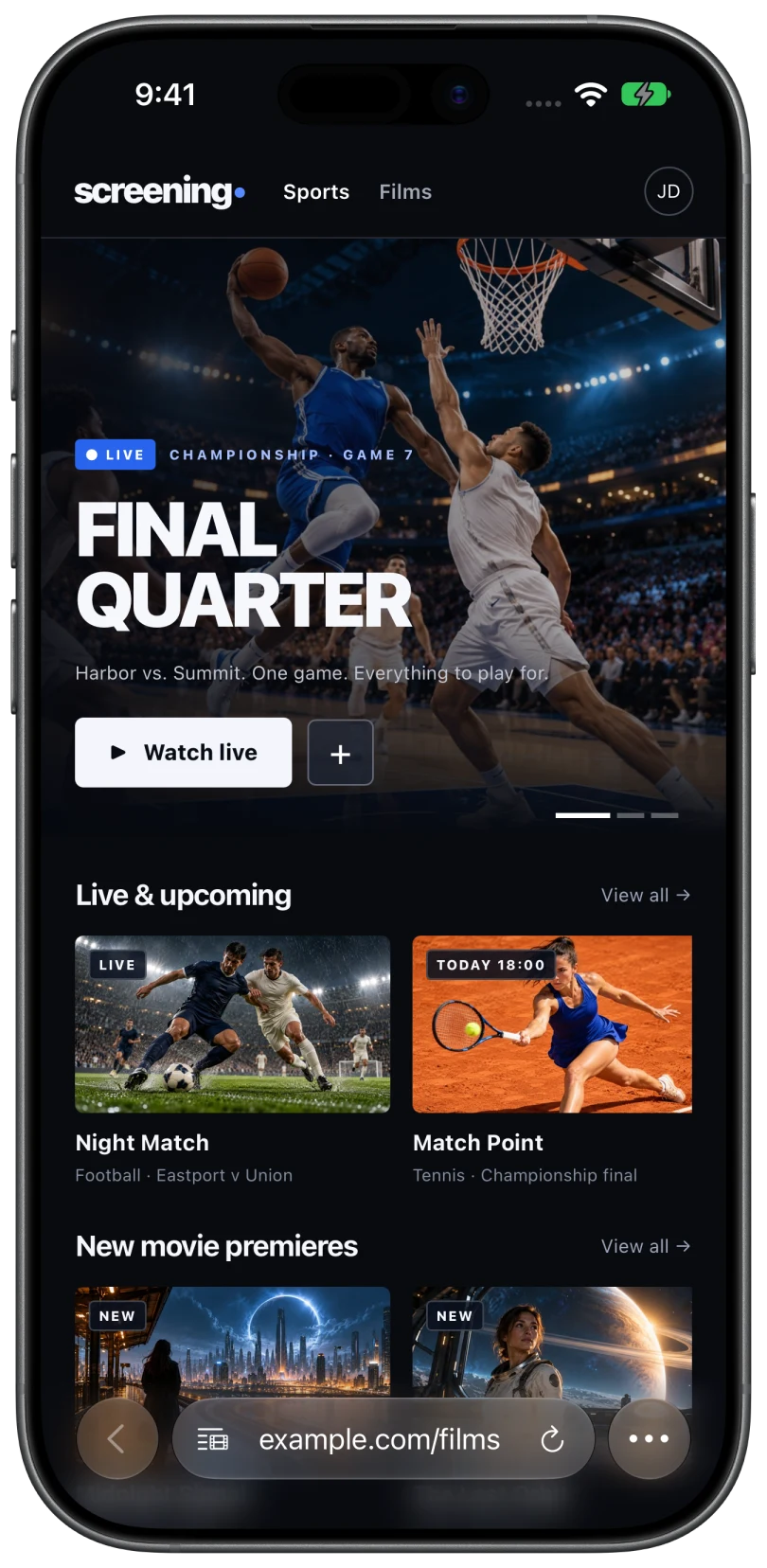
- Tap the Video List button in the address bar and choose the video under Detected Videos.
- Choose your receiver. Google Cast devices are listed under Chromecast and smart TVs under DLNA / UPnP.
Limits to know about
Cast Browser requires iOS 18 or later. It does not cast DRM-protected video, mirror the screen, or send photos and files stored on the phone. Playback depends on the website, the video format, and the receiver, so not every video on every site will play.
Common questions
Is Web Video Caster available for iPhone?
Yes. It is on the App Store as Web Video Cast | Browser to TV by InstantBits Inc, for iPhone and iPad.
Is Cast Browser the same app as Web Video Caster?
No. Cast Browser is a separate, independent app. It is not affiliated with Web Video Caster or InstantBits.
Does Cast Browser have ads?
No. Cast Browser has no ads, subscriptions, or in-app purchases.
Related
- An iWebTV alternative for iPhone and iPadFree, with no ads or in-app purchases, for Chromecast, Google TV, and DLNA. Not for Roku, Fire TV, or Apple TV.
- Cast web videos from an iPhone to a ChromecastOpen the page, pick the detected video, choose your Chromecast. Works with Google TV and Android TV too.
- Screen mirroring vs casting: what is the difference?Mirroring copies your screen. Casting hands the TV the video. When to use each.