How a Samsung TV receives video
| Method | With Cast Browser | Notes |
|---|---|---|
| DLNA | Yes | Built into Samsung smart TVs. This is the route Cast Browser uses. |
| Google Cast | Only if the TV has it | Most Samsung TVs do not include Google Cast. A Chromecast or Google TV streamer in an HDMI port adds it. |
| AirPlay | No | Built into Samsung TVs from 2018 onward. Use it from Safari, not from Cast Browser. |
What you need
- An iPhone or iPad on iOS 18 or later with Cast Browser installed.
- A Samsung smart TV that is switched on and connected to the same Wi-Fi network as the phone. A guest network usually will not work.
- A web page with a video that is not DRM protected.
Steps
- Put the phone and the TV on the same Wi-Fi. You can confirm the TV's network in its network settings.
- Open Cast Browser and allow Local Network access. The app asks the first time you open it. Without this permission it cannot see the TV.
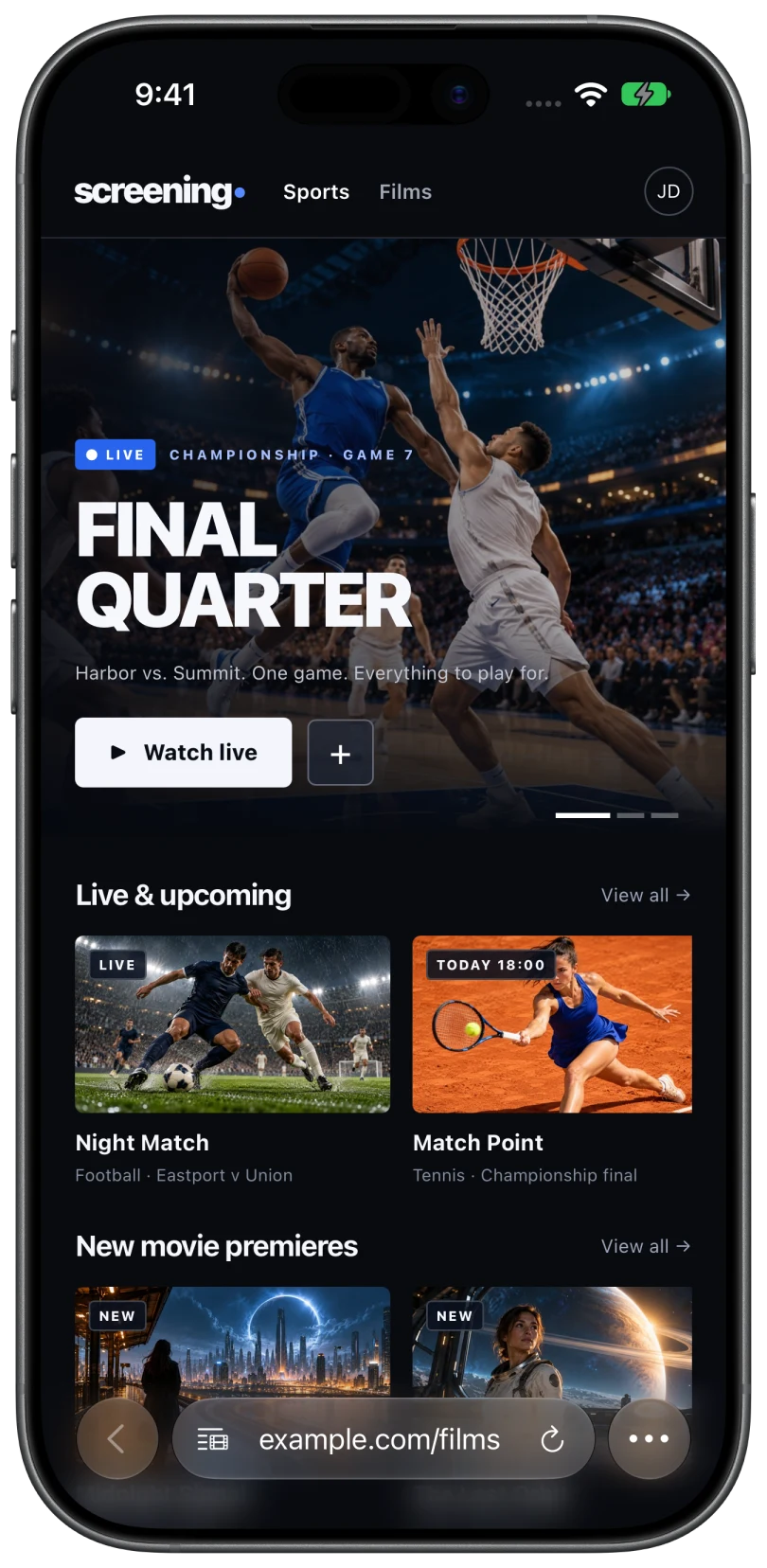
- Open the page with your video. Type the address or a search into the bar at the bottom. If the video has not started, press play in the site's own player.
- Tap the Video List button at the left of the address bar. A red dot on the button means Cast Browser found a video. Choose it under Detected Videos.
- Pick your Samsung TV. It appears in the DLNA / UPnP section of the Choose Device sheet. Some Samsung TVs then ask on screen whether to allow the device. Choose Allow with the TV remote.
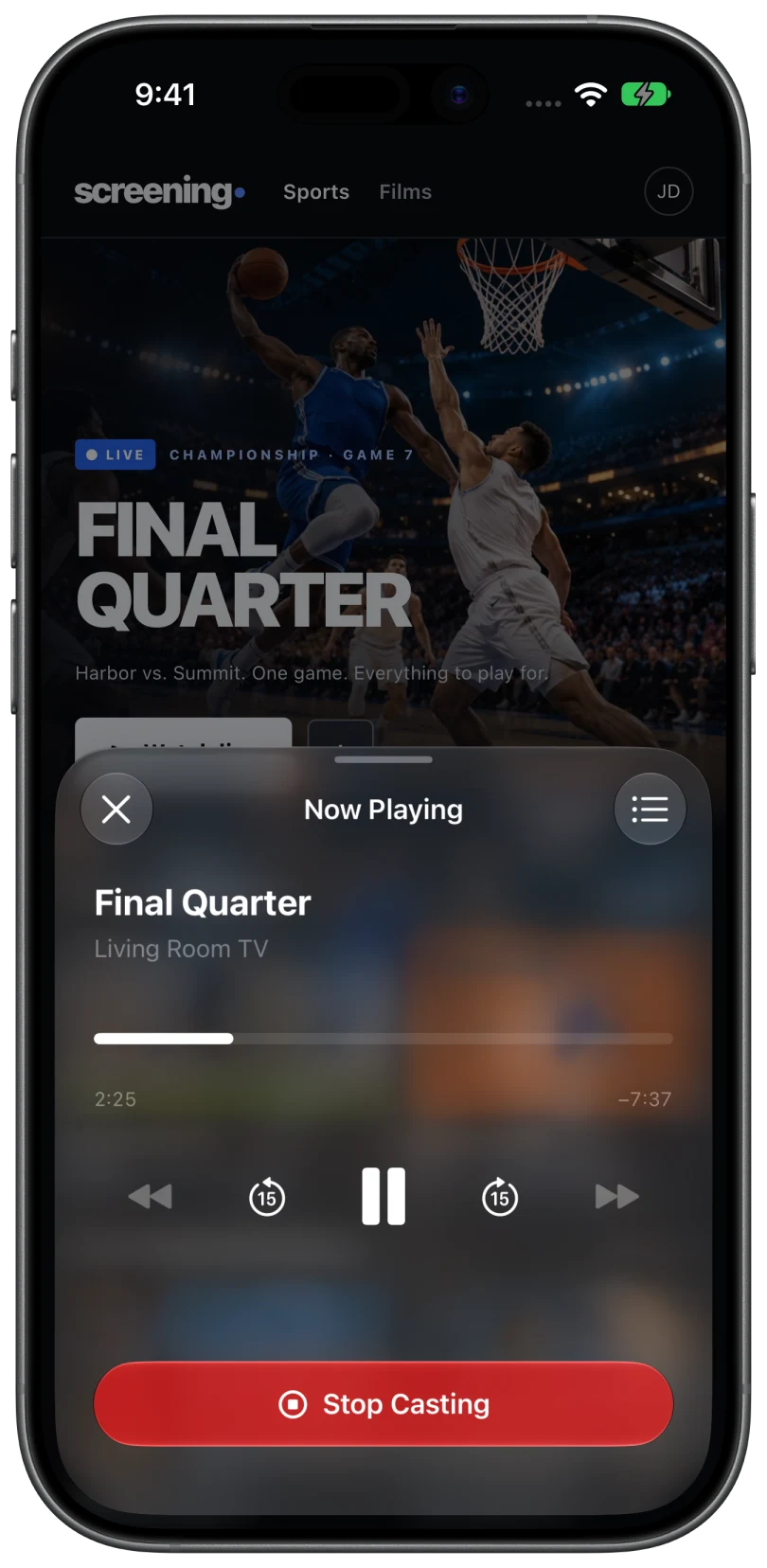
- Watch on the TV. Tap the Now Casting bar on the phone to pause, skip 15 seconds, or scrub through the video. Tap Stop Casting when you are done.
What is different over DLNA
DLNA is an older and simpler standard than Google Cast. That shapes what the phone can do once the video is playing:
- One video at a time. The queue is only available in Chromecast sessions.
- No caption or audio track picker. Those options also need a Chromecast session.
- Volume may stay on the TV remote. If the TV does not report volume control, the app shows "Use your TV remote for volume".
- Formats depend on the TV. MP4 and HLS are the most reliable. When the TV cannot fetch a stream by itself, Cast Browser can deliver it through its cloud relay, which the privacy policy describes.
If you tapped Deny on the TV prompt by mistake, look for Device Connect Manager in the TV's settings, under External Device Manager. The exact menu varies between model years.
Other ways that do not need an Apple TV
AirPlay from Safari
If your Samsung TV is a 2018 or newer model, open the video in Safari, start it, and tap the AirPlay icon in the player. This is the simplest route when it works. It does not work on every site, because a website can switch AirPlay off in its player. See why AirPlay fails on website videos.
Add a Chromecast
A Chromecast or Google TV streamer plugged into the TV gives Cast Browser a Google Cast receiver, which adds the queue and captions. See casting web videos to a Chromecast.
Common questions
Do I need to install anything on the Samsung TV?
No. DLNA is part of the TV's software. You only install Cast Browser on the iPhone or iPad.
Is this screen mirroring?
No. Cast Browser sends the video itself to the TV. The TV does not show your phone screen, and you can keep browsing while the video plays. Screen mirroring and casting compared.
Will subscription streaming services work?
Usually not. Services that protect their video with DRM do not expose a stream that can be sent to a TV, and Cast Browser does not bypass DRM. Use the service's own app on the TV for those.
My Samsung TV is not in the list. What now?
Check that both devices are on the same Wi-Fi, that Local Network access is on for Cast Browser in iPhone Settings, and that the TV is awake. Then tap Search Again. The full checklist is on TV not showing up.
Related
- Screen mirroring vs casting: what is the difference?Mirroring copies your screen. Casting hands the TV the video. When to use each.
- AirPlay not working on a website videoThe site blocks it, the video is protected, or the TV is unreachable. How to tell which, and what to do.
- TV or Chromecast not showing upThe device list says "No Chromecast devices found" or "No DLNA devices found".