Why there is no Cast button in Safari
There are two separate standards for sending video to a TV. AirPlay is Apple's. Google Cast is Google's, and it is what a Chromecast uses. Each needs support on both ends: the app on the phone and the device on the TV.
| AirPlay | Google Cast | |
|---|---|---|
| Safari on iPhone | Yes | No |
| Chromecast | No | Yes |
| Cast Browser | No | Yes |
Safari and a Chromecast share no column in that table. Nothing is wrong with your Wi-Fi or your Chromecast. It is not a setting you can switch on.
Some video apps on iPhone do show a Cast button. That is because the app's developer built Google Cast into that app. Safari has not, and an ordinary website open in Safari cannot add it.
How to cast a website video to a Chromecast from an iPhone
- Install Cast Browser and open it. Allow Local Network access when asked, so the app can find the Chromecast.
- Open the same page you had in Safari. Paste or type its address into the bar at the bottom.
- Press play on the video if the site needs that before the video loads.
- Tap the Video List button at the left of the address bar and choose the video under Detected Videos.
- Choose your Chromecast. The video starts on the TV and the phone becomes the remote.
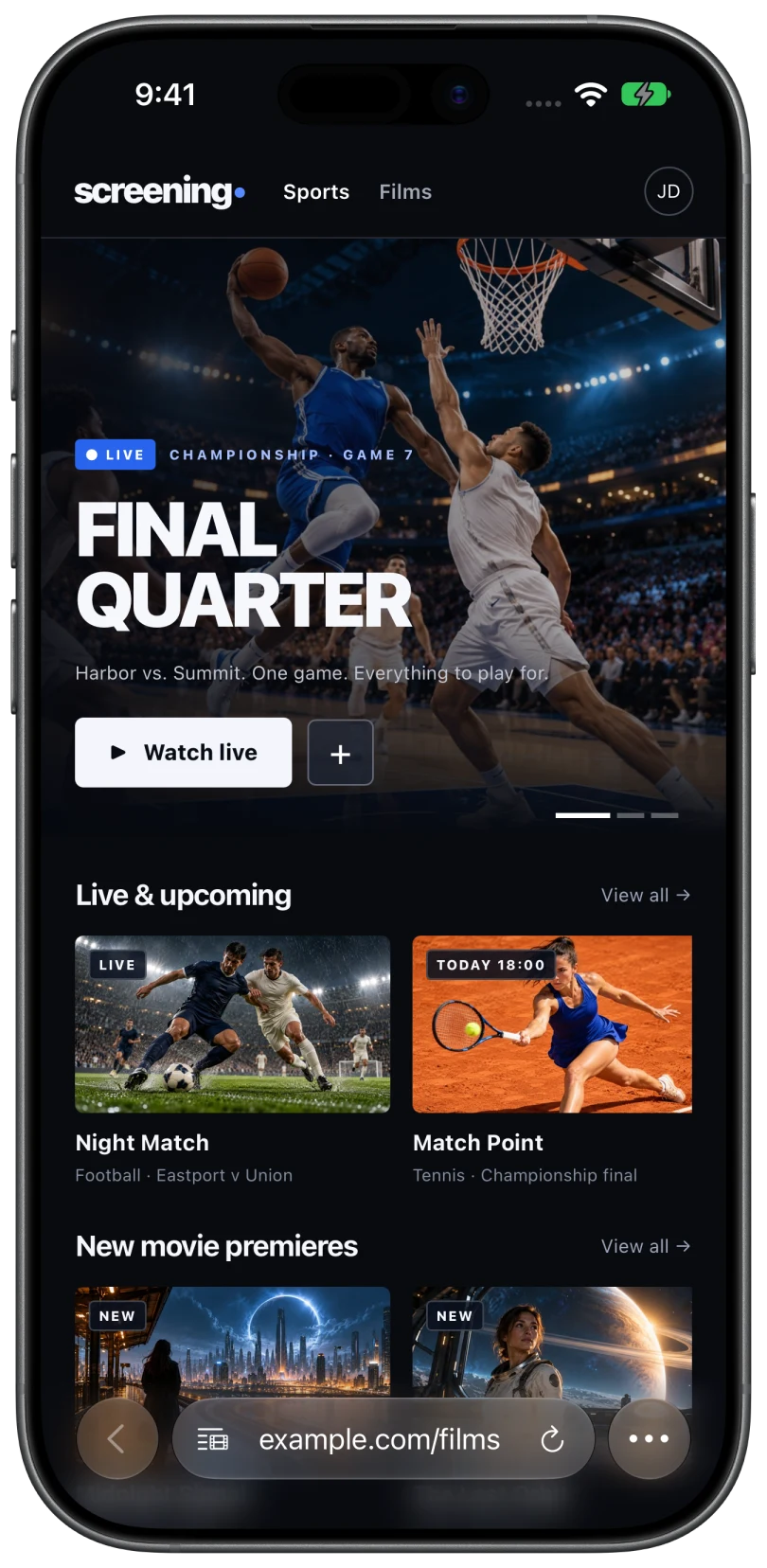
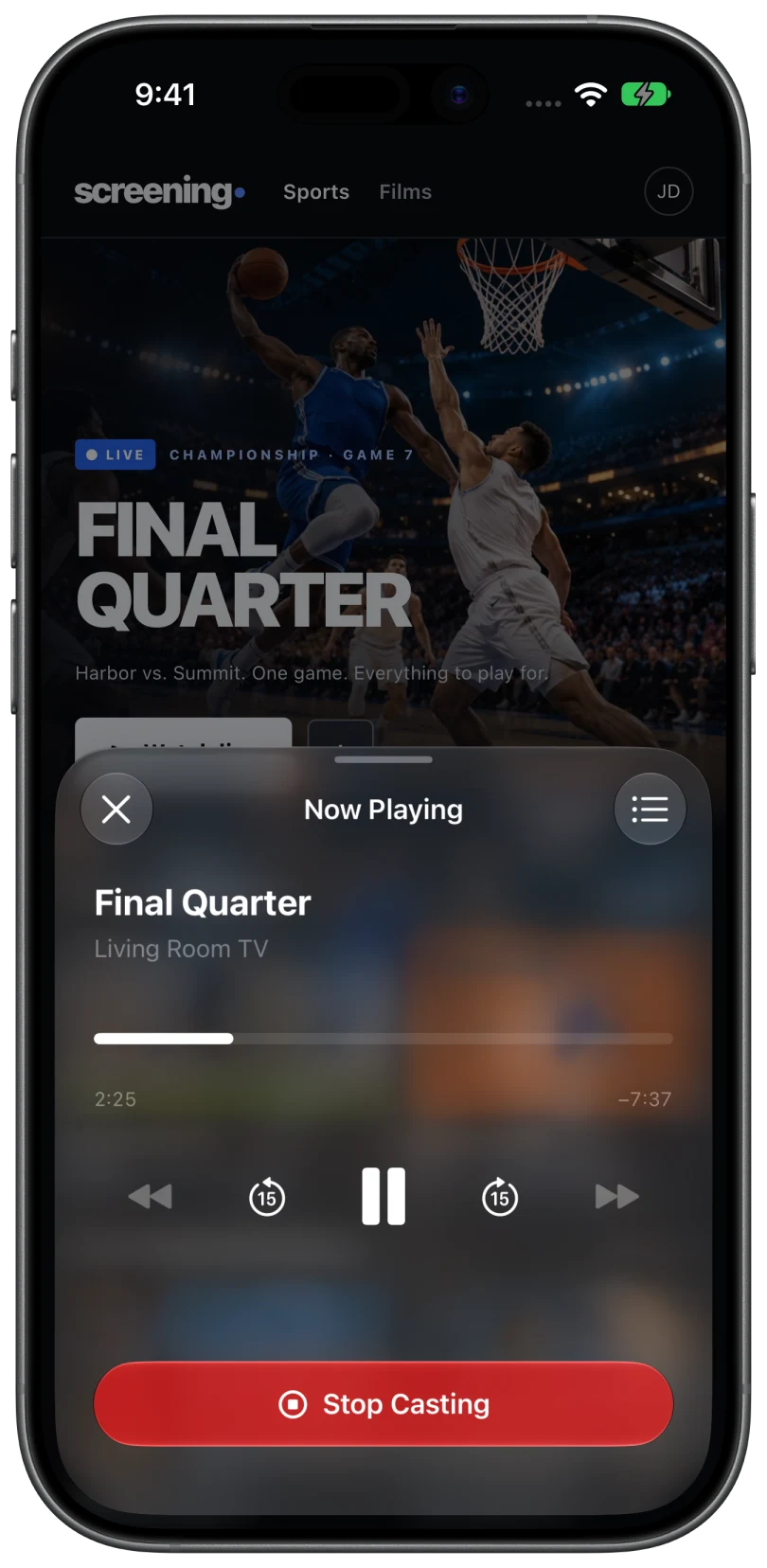
There is a longer walkthrough, including the queue and captions, in cast web videos from an iPhone to a Chromecast.
What still will not cast
- DRM-protected video. Paid streaming services protect their streams. A browser cannot hand those to a Chromecast, and Cast Browser does not bypass DRM. Use the service's own app, which usually has its own Cast button.
- Videos that never expose a stream. A few embedded players hide the video in a way that leaves nothing to send. The app says so when this happens. See no videos detected.
- Formats the receiver cannot decode. MP4 and HLS are the safest. Older Chromecast models handle fewer formats than newer ones.
What about mirroring the screen?
The iPhone's Screen Mirroring feature uses AirPlay as well, so it cannot mirror to a Chromecast either. If your TV itself supports AirPlay, mirroring to the TV is possible, with lower quality and with the phone tied up. Mirroring and casting compared.
Common questions
Can I turn on Chromecast support in Safari settings?
No. Safari has no Google Cast support to switch on. It offers AirPlay only.
Why does AirPlay not show my Chromecast?
AirPlay lists AirPlay receivers, such as an Apple TV or a TV with AirPlay built in. A Chromecast is a Google Cast receiver, so it never appears there.
Is Cast Browser free?
Yes. Cast Browser is free for iPhone and iPad, with no ads, subscriptions, or in-app purchases.
Related
- Cast web videos from an iPhone to a ChromecastOpen the page, pick the detected video, choose your Chromecast. Works with Google TV and Android TV too.
- AirPlay not working on a website videoThe site blocks it, the video is protected, or the TV is unreachable. How to tell which, and what to do.
- No videos detected on a pageThe Video List says "No Videos Found", or the button never shows its red dot.