
How an LG TV receives video
| Method | With Cast Browser | Notes |
|---|---|---|
| DLNA | Yes | Part of webOS. The TV appears in the DLNA / UPnP section of the device list. |
| Google Cast | Only if the TV has it | Some recent LG models include Google Cast. If yours does, it appears in the Chromecast section instead. |
| AirPlay | No | Built into LG TVs from 2019 onward. Use it from Safari, not from Cast Browser. |
If your LG TV shows up in both sections of the device list, choose the Chromecast entry. A Google Cast session supports the queue and captions, and DLNA does not.
What you need
- An iPhone or iPad on iOS 18 or later with Cast Browser installed.
- An LG smart TV that is on and connected to the same Wi-Fi network as the phone.
- A web page with a video that is not DRM protected.
Steps
- Connect the phone and the TV to the same Wi-Fi. A TV on a wired connection is fine as long as it is on the same home network.
- Open Cast Browser and allow Local Network access when it asks. This is what lets the app look for the TV.
- Go to the page with your video and press play in the site's player if it has not started.
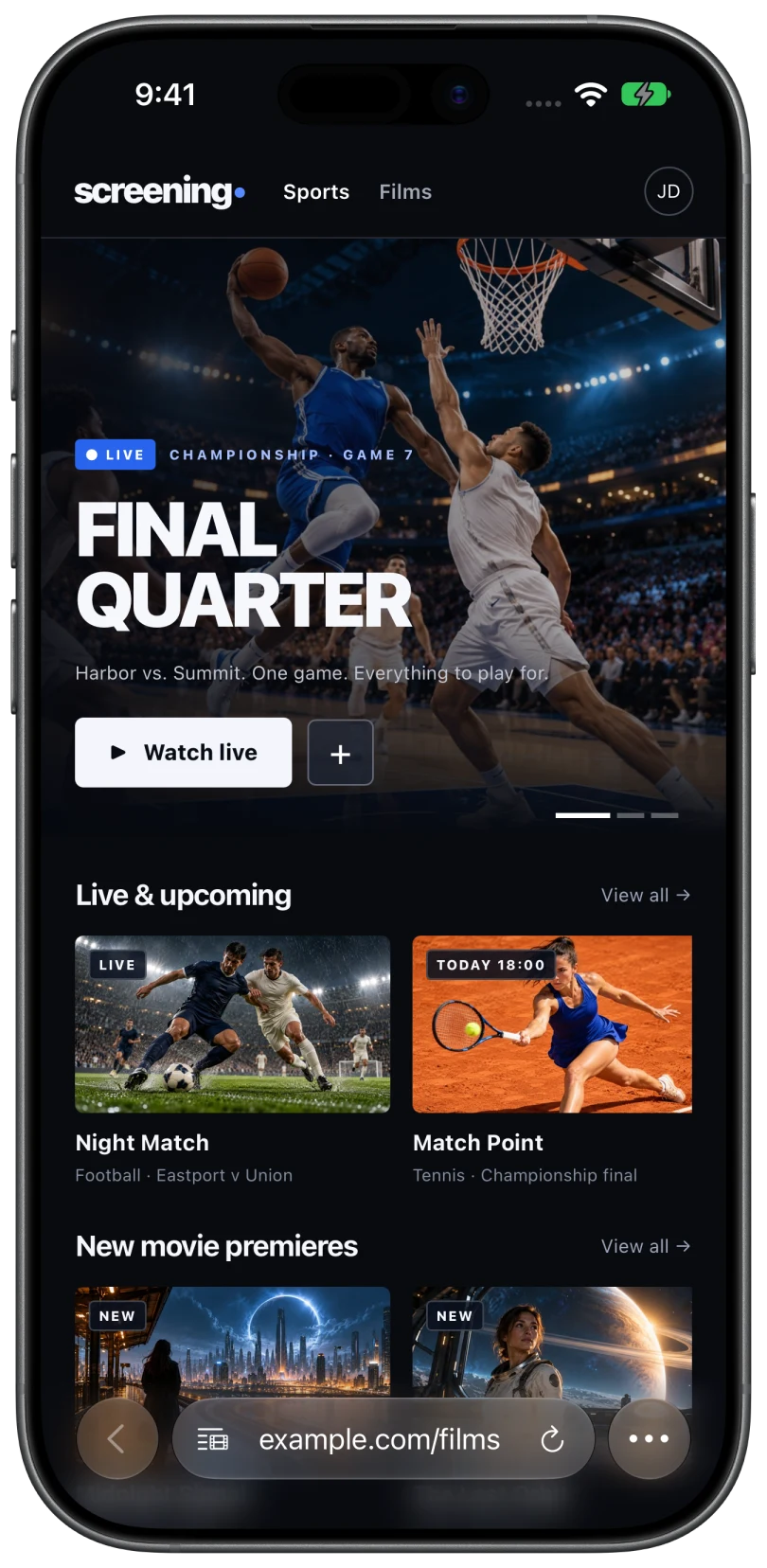
- Tap the Video List button in the address bar and choose the video under Detected Videos.
- Choose your LG TV on the Choose Device sheet. Keep the TV awake while the app searches. A TV in standby usually does not answer.
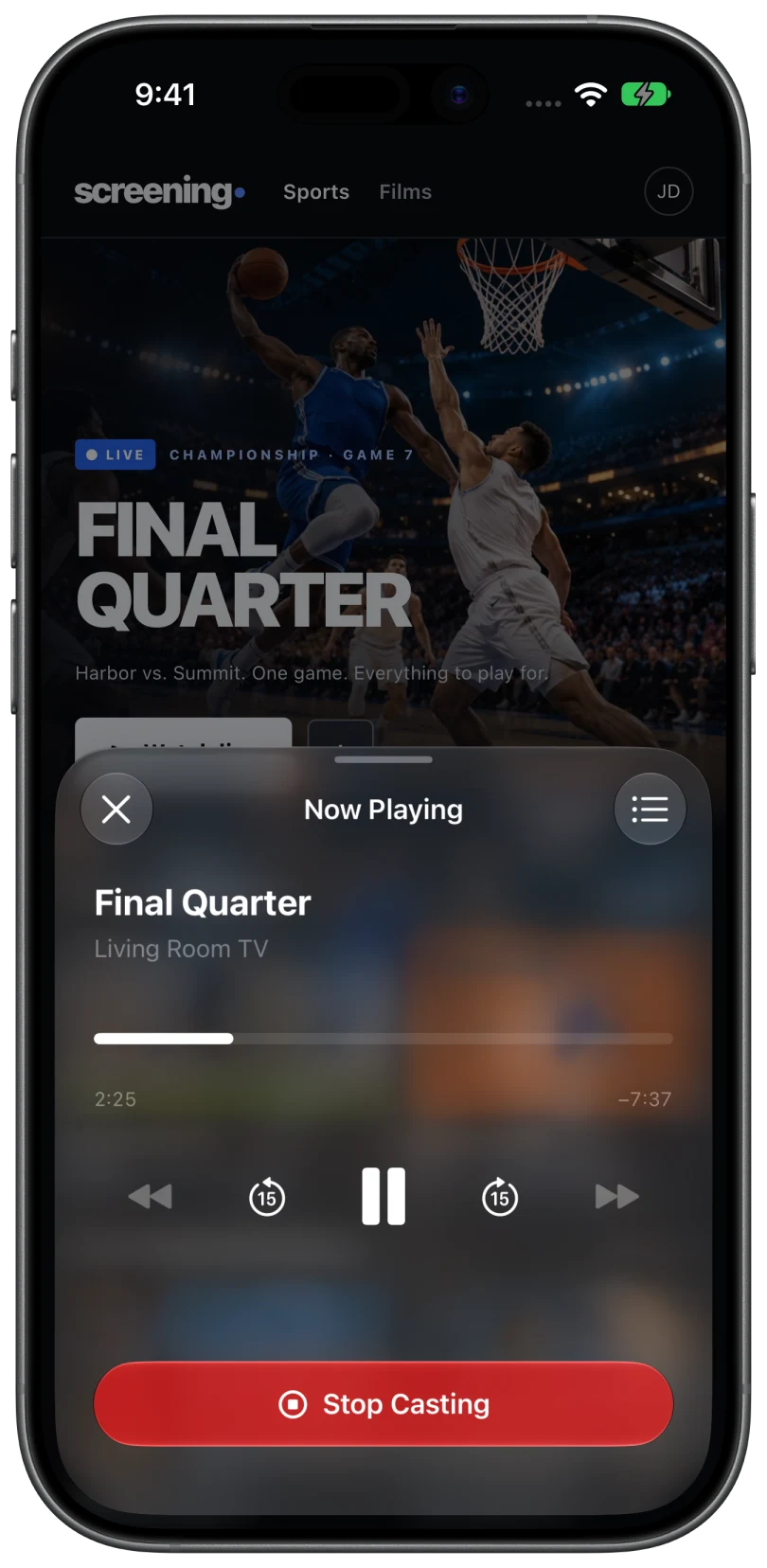
- Control it from the phone. Tap the Now Casting bar for play, pause, 15 second skips, and the timeline.
What to expect on webOS
- Format support varies by model. MP4 and HLS are the best formats to try first. If one video on a site fails, another source or quality on the same page may play.
- The queue and caption picker need Google Cast. Over DLNA the TV plays one video at a time.
- Seeking depends on the stream. Live streams often cannot be scrubbed, and some videos only allow play and pause.
- Volume may need the TV remote when the TV does not expose volume control over the network.
Using AirPlay instead
On an LG TV from 2019 or later, AirPlay is the built-in way to send video from Safari. Start the video in Safari and tap the AirPlay icon in the player. If the icon is missing or the TV shows a black screen, the website has probably blocked AirPlay or the video is protected. Fixes for AirPlay on website videos covers that case.
Cast Browser is useful when the site gives Safari no AirPlay button, or when your LG TV is older than 2019 and has no AirPlay at all.
Common questions
Does my LG TV need an app for this?
No. Cast Browser talks to the DLNA support that is already in webOS, so there is nothing to install on the TV.
Can I lock my iPhone while the video plays?
In most cases, yes. Once the TV is pulling the video itself, it keeps playing while the phone is locked. Some videos can only be reached through the phone, and for those the app needs to stay open. See casting stops or disconnects.
Why does the TV say the format is not supported?
The TV could not decode that video's format. Try another source on the page, or a different page for the same video. Video will not play on the TV lists the checks.
Related
- Cast web videos from an iPhone to a Samsung TV without an Apple TVNo Apple TV needed. Send the video over DLNA, or use the TV's built-in AirPlay.
- Screen mirroring vs casting: what is the difference?Mirroring copies your screen. Casting hands the TV the video. When to use each.
- Video will not play on the TVThe TV connects but nothing plays, or you see "Unable to Cast" or "Unable to Play".