How a Vizio TV receives video
| Method | With Cast Browser | Notes |
|---|---|---|
| Google Cast | Yes | Built into SmartCast TVs, which Vizio has sold since 2016. The TV appears in the Chromecast section. |
| AirPlay | No | SmartCast TVs also support AirPlay. Use it from Safari, not from Cast Browser. |
| Older Vizio smart TVs | With a Chromecast | Models from before SmartCast have neither Google Cast nor AirPlay. |
Steps
- Finish the TV's setup and connect it to Wi-Fi. A SmartCast TV has to complete its first-time setup before it accepts casts.
- Put the iPhone on the same Wi-Fi network.
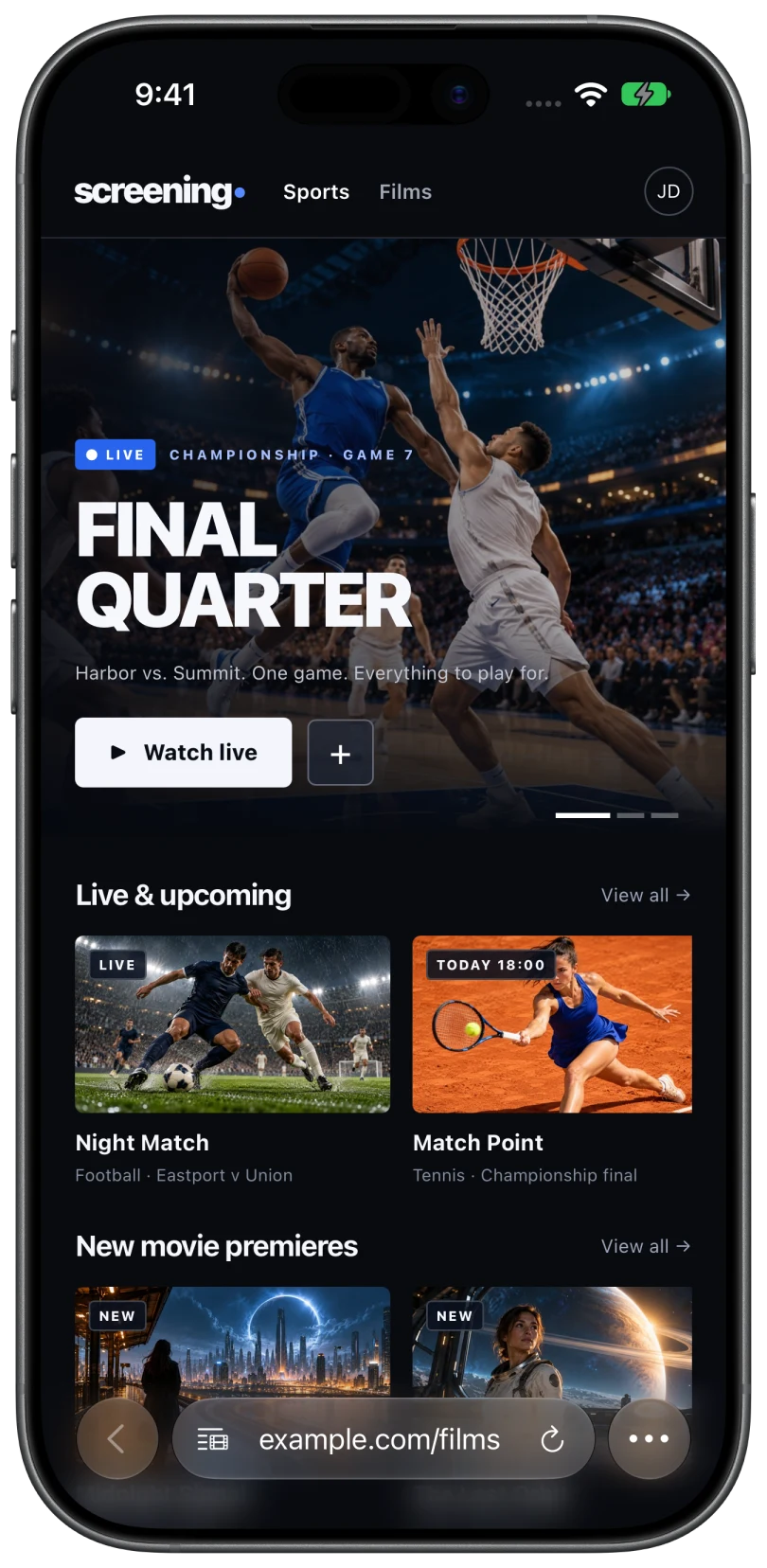
- Open Cast Browser and allow Local Network access when it asks.
- Open the page with your video and press play in the site's player if needed.
- Tap the Video List button in the address bar and select the video.
- Choose the Vizio TV in the Chromecast section. The TV switches to the cast and the phone shows the playback controls.
The Vizio power setting that matters
Vizio TVs have two power modes. In Eco Mode the TV shuts its network connection when it is off, so it disappears from the device list until you turn it on with the remote. In Quick Start Mode the TV stays reachable while off and can wake up when a cast starts.
To change it, open the TV's settings, then System, then Power Mode. If the TV is often missing from Cast Browser until you switch it on, this setting is the reason.
What you can do during a cast
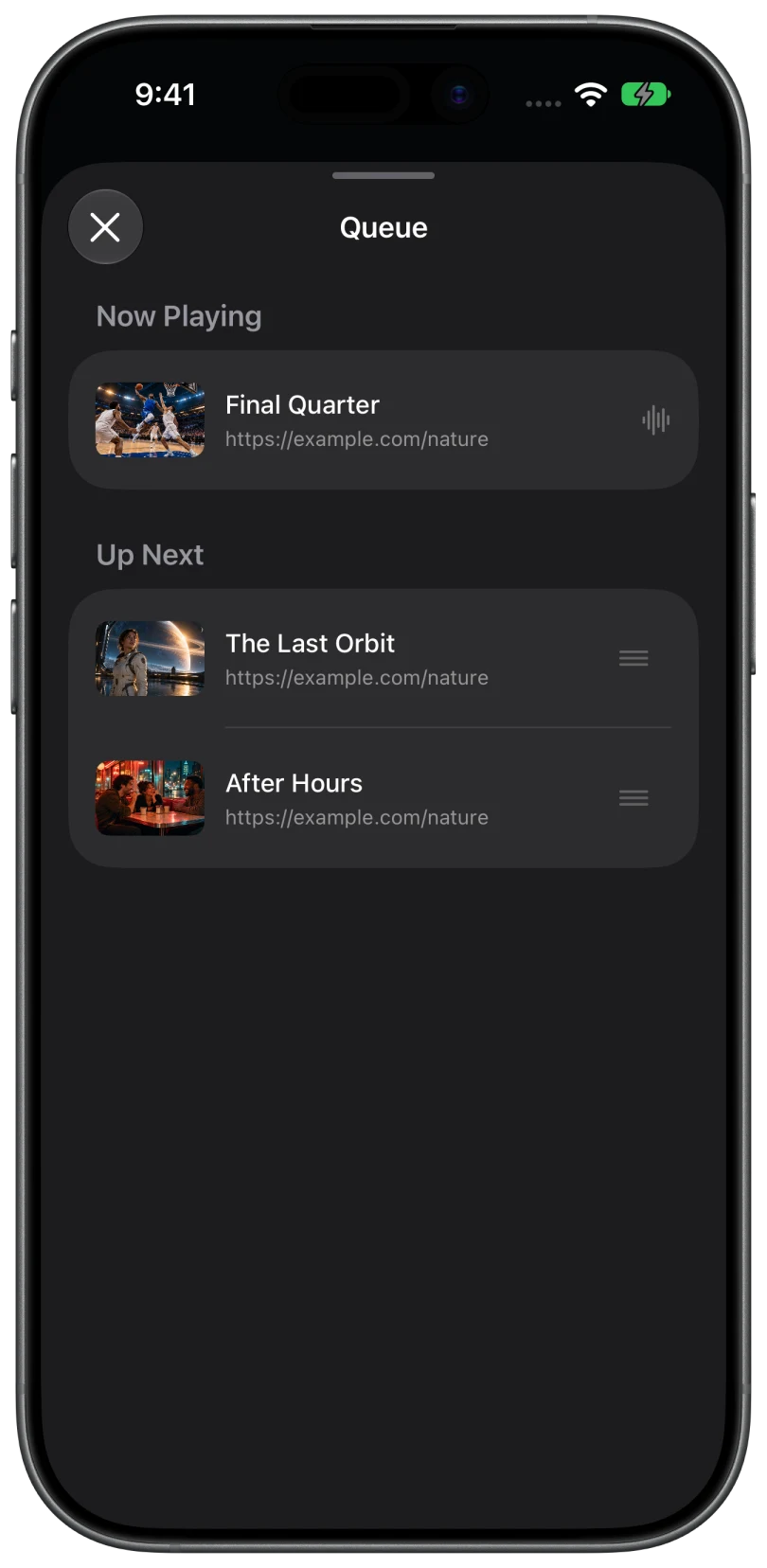
A Vizio SmartCast TV behaves like any Google Cast receiver. You get the queue, captions and audio tracks when the video carries them, volume control from the phone, and Lock Screen controls. The TV plays the stream itself in most cases, so the phone does not need to stay awake.
Older Vizio TVs
Vizio smart TVs from before 2016 used a different system with an apps bar along the bottom of the screen. Those do not include Google Cast. Plug a Chromecast or Google TV streamer into an HDMI port and cast to that. Casting to a Chromecast.
Common questions
Does a Vizio TV have Chromecast built in?
SmartCast models do. That is why they appear in the Chromecast section of Cast Browser without any extra hardware.
Why does my Vizio TV only show up when it is already on?
The TV is in Eco Mode, which turns off networking in standby. Switch Power Mode to Quick Start in the TV's settings.
Can I use AirPlay with a Vizio TV instead?
Yes, on SmartCast models, from Safari, when the website allows AirPlay. What to do when it does not.
Related
- Cast web videos from an iPhone to a ChromecastOpen the page, pick the detected video, choose your Chromecast. Works with Google TV and Android TV too.
- Cast web videos from an iPhone to Google TV or Android TVGoogle Cast is built in. The steps, and what to check if the TV does not appear.
- TV or Chromecast not showing upThe device list says "No Chromecast devices found" or "No DLNA devices found".